
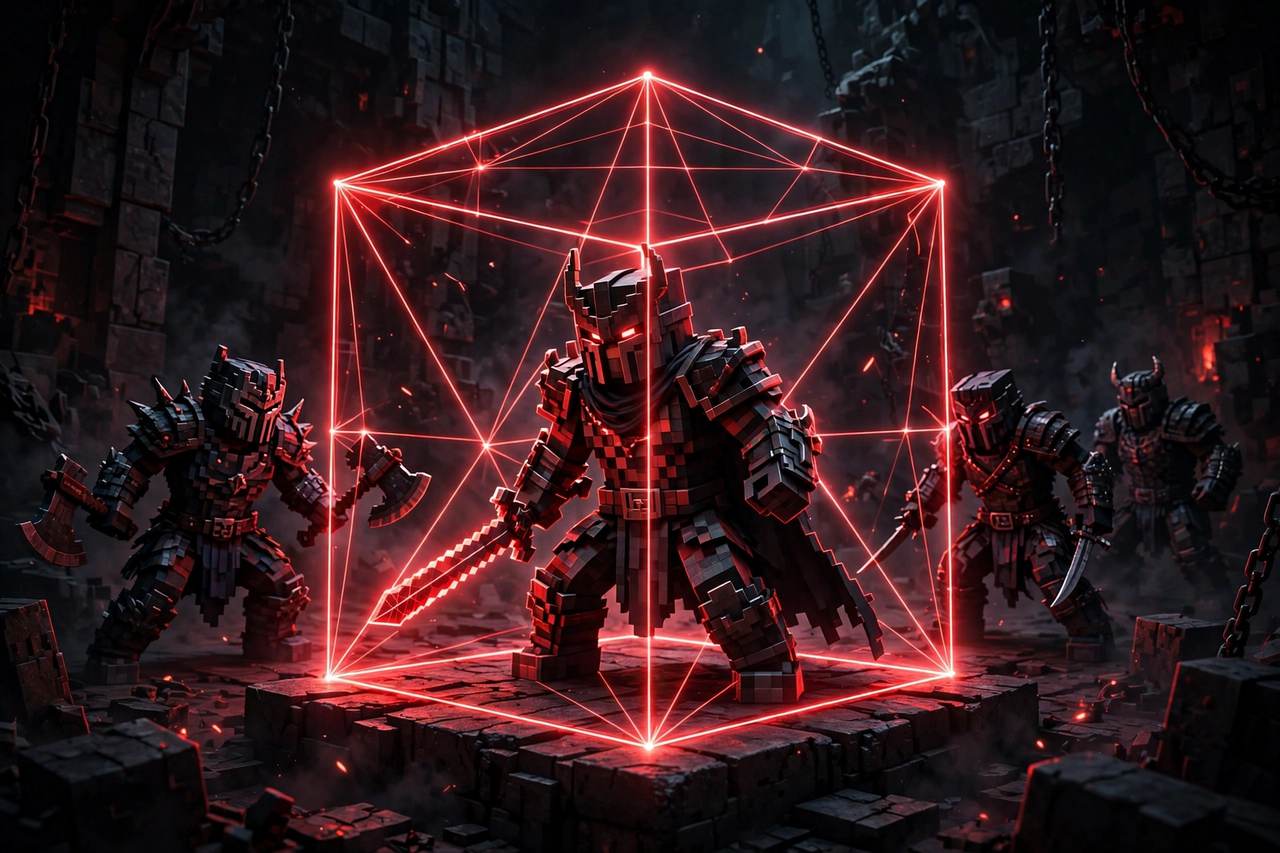
Some scripts are built for one game; a hitbox expander is built for nearly all of them. It takes the collision box that decides whether your shots and swings connect and stretches it on the players you are fighting, so near-misses start landing. Because it works at a basic level of how characters are put together, the same small script follows you from shooters into sword games and battlegrounds.
Hitbox Expander Features
- Adjustable Hitbox Size — slide from a subtle boost to a huge target.
- Head or Torso Targeting — expand the part you aim at most.
- Team Check — teammates keep normal hitboxes and stay safe.
- Transparency Control — make expanded boxes faint or fully visible.
- Keybind Toggle — switch the effect on and off mid-fight.
- Works Across Games — one script for most PvP titles on the platform.
How to Use It
- Download Hydrogen Executor from our download page.
- Join the combat game you want to play.
- Attach, paste the Hitbox Expander script, and execute.
- Set your box size and turn on Team Check.
Dial It In, Do Not Max It Out
The slider goes far, but the sweet spot is modest. A slightly enlarged hitbox feels like good aim and quietly wins you the close fights; a gigantic one looks obvious to everyone watching and gets you reported. Increase the size a step at a time until your accuracy feels comfortable, then stop.
FAQs
Does it work in every Roblox game?
It works in most games that use standard character rigs; a few titles with custom combat systems block the effect.
Can other players see the expanded hitboxes?
Only if you set them visible — the transparency option keeps them hidden on your screen settings as well.